Put your businessto work online.
Mainmark builds your website and gives you one place to run what happens behind it: enquiries, appointments, clients and changes.
Free to build. Pay when you go live.
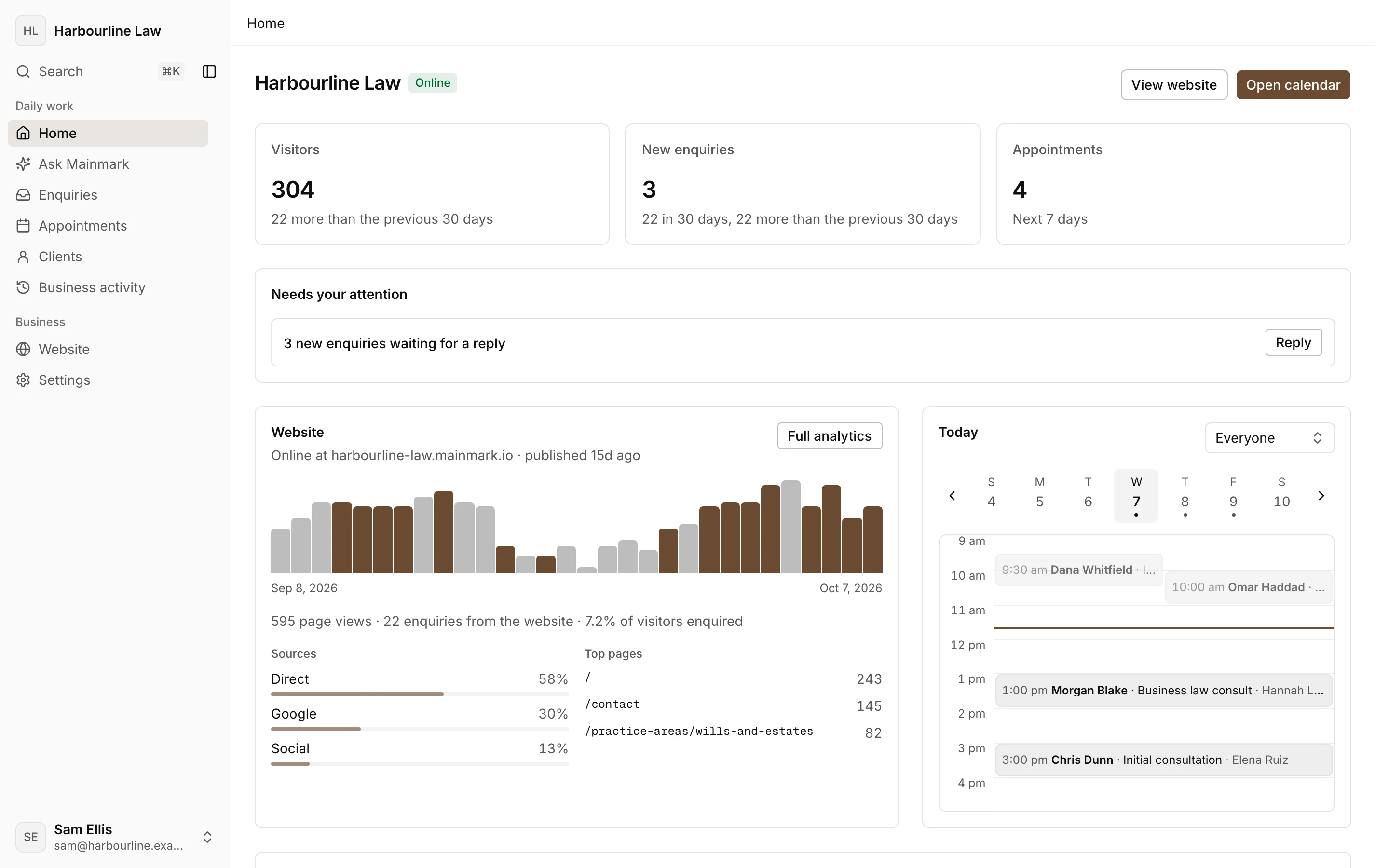
Your website and your dashboard
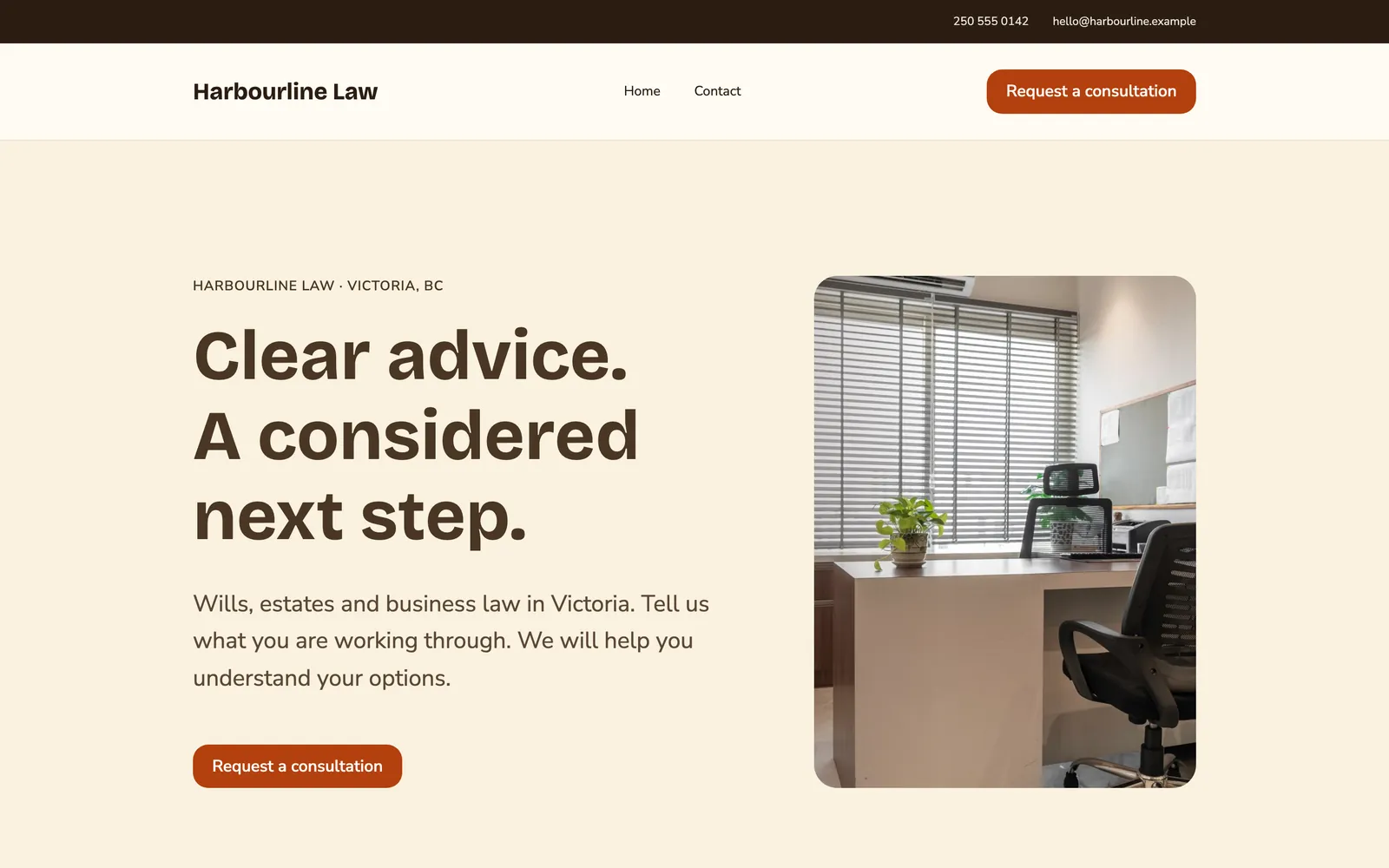
What your customers see
What you see
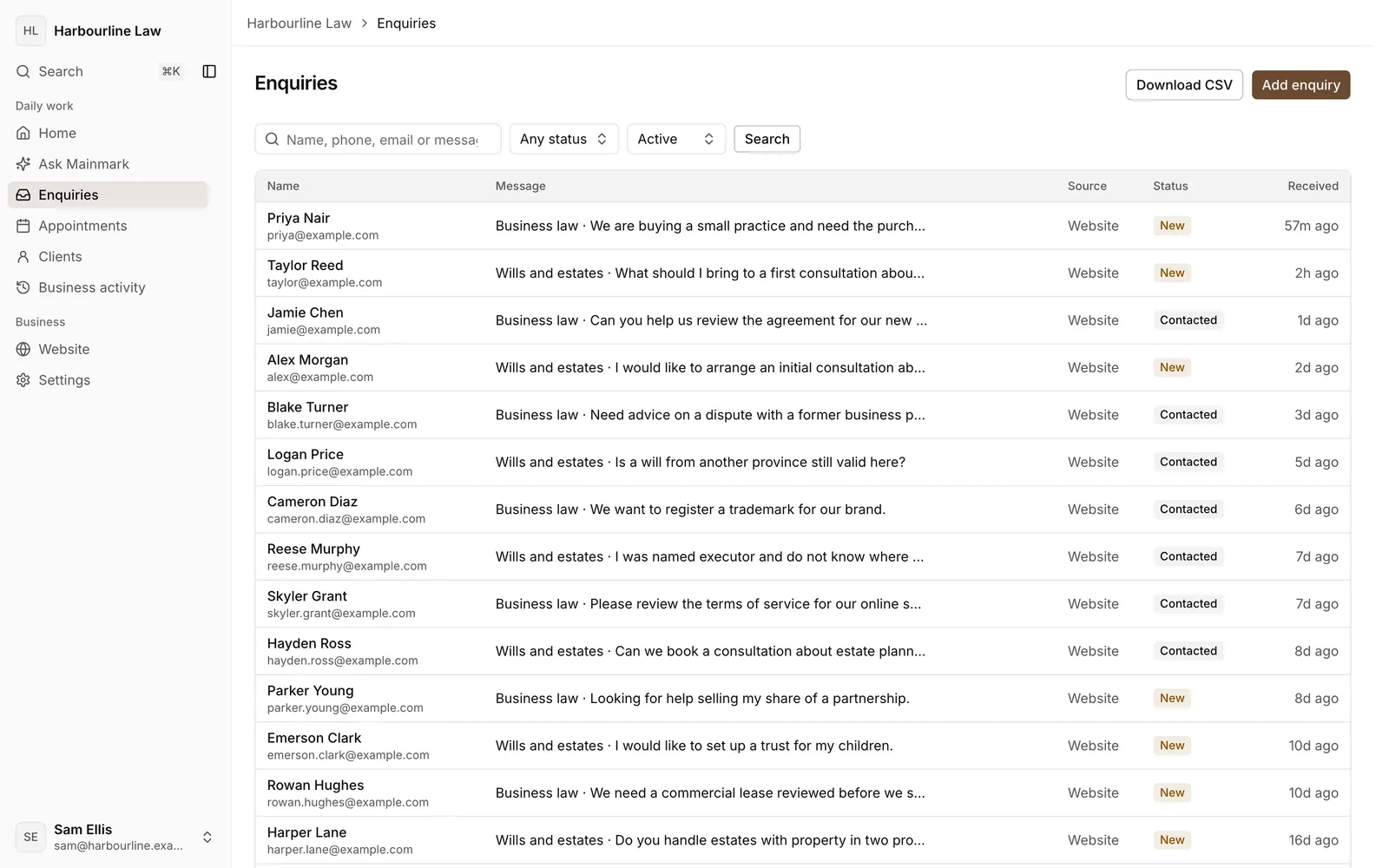
A sample business, Harbourline Law. The actual website and dashboard.
Look established.
A professionally designed site that looks like your business.
Turn attention into business.
Enquiries, bookings and orders arrive in one place.
Run it from one place.
Website changes and customer activity live together.
Mainmark builds your site before you pay.
- 01
Tell us about your business.
Your business name, where you are and what you offer. Mainmark writes the website from that.
- 02
Review your site.
It goes up as a free preview at a mainmark.io address, for you to read through.
- 03
Make changes.
Edit it in your browser, or ask Mainmark and approve each change.
- 04
Go live.
Choose a plan when it is right. That is when you pay.
This is what Mainmark makes.

Insurance agency

Bakery

Auto body shop
Ask Mainmark
Nothing changes until you approve it.
You
We're open Saturdays 10 to 2 now, and our new number is 250 555 0199. Can you update the website?
Mainmark
I can make these changes:
- Opening hours: add Saturday, 10am to 2pm
- Phone: 250 555 0199
Saved to your draft. Publish to update your website.
What it costs to go live.
Essential
$45.00 USDa month
or $450.00 USD a year
You run it with Mainmark.
+ $549.00 USD activation, once per business
Managed
Talk to us
Mainmark helps run it for you.
Enterprise
Let's talk
Mainmark adapts to your organisation.
Prices in USD, per business. Domains are sold separately. Connect one you own, buy one from the dashboard, or keep your mainmark.io address.
You built the business. Mainmark helps you run it online.
Try freeFAQs
Frequently asked questions
What is Mainmark?
Mainmark writes, designs and hosts a website for your business, then gives you one dashboard for what it brings in: enquiries, appointments and clients, plus invoices and orders when you turn them on. See visitors, pages and sources without tracking cookies. Invite the people who run the place, each with their own access, and ask Mainmark for changes you approve first.
Who is it for?
Owner run local businesses that serve people nearby, from law offices, clinics and barber shops to bakeries and restaurants. If your kind of business is not listed when you start, describe it in your own words.
Do I have to design the website?
No. Describe your business and Mainmark writes and lays out a first version. Review the facts, wording and design. You can edit it in your browser or ask Mainmark to propose a change for your approval.
Who can see my preview?
Your first preview is published automatically at a mainmark.io address. Anyone with the address can view it. Later edits stay in your saved draft until you choose Publish changes. Preview forms and booking do not accept customer submissions.
What do I pay for?
Building and editing your preview is free. A plan lets you publish live and receive enquiries. Activation is a one time charge, made with your first monthly or yearly payment, that opens your account for live publishing. It does not buy design work. Domains are sold separately.
Can I use my own domain?
Yes. Connect a domain you own to your live website using the instructions in Settings, or buy one from the dashboard. You can also keep your mainmark.io address.
When can customers book appointments?
Publish live on a plan, then confirm your services, hours and time zone in Booking settings. Booking stays closed until you confirm the setup. Customers can then choose an available time and receive confirmation and reminder emails.
What happens if I cancel?
Cancel from Account plan before the next renewal. Your live websites go offline when the paid period ends. Cancellation does not delete your saved website data. Download available records from Account and keep original photos separately. Domain renewals are managed separately. See the Terms of use for refunds and the Privacy notice for retention.